
OAI-SearchBot, GPTBot and AI crawler robots.txt rules (2026)
What OAI-SearchBot is, how it differs from GPTBot, and copy-paste robots.txt rules for ChatGPT, Claude, Perplexity and Google-Extended, from vendor docs.
- ✓What OAI-SearchBot is, and why blocking it removes you from ChatGPT search
- ✓Checked user agent strings for GPTBot, OAI-SearchBot, ChatGPT-User, ClaudeBot, PerplexityBot and Google-Extended
- ✓Four copy-paste robots.txt recipes, from fully open to no AI access
- ✓How to test your rules with curl, server logs and published IP lists
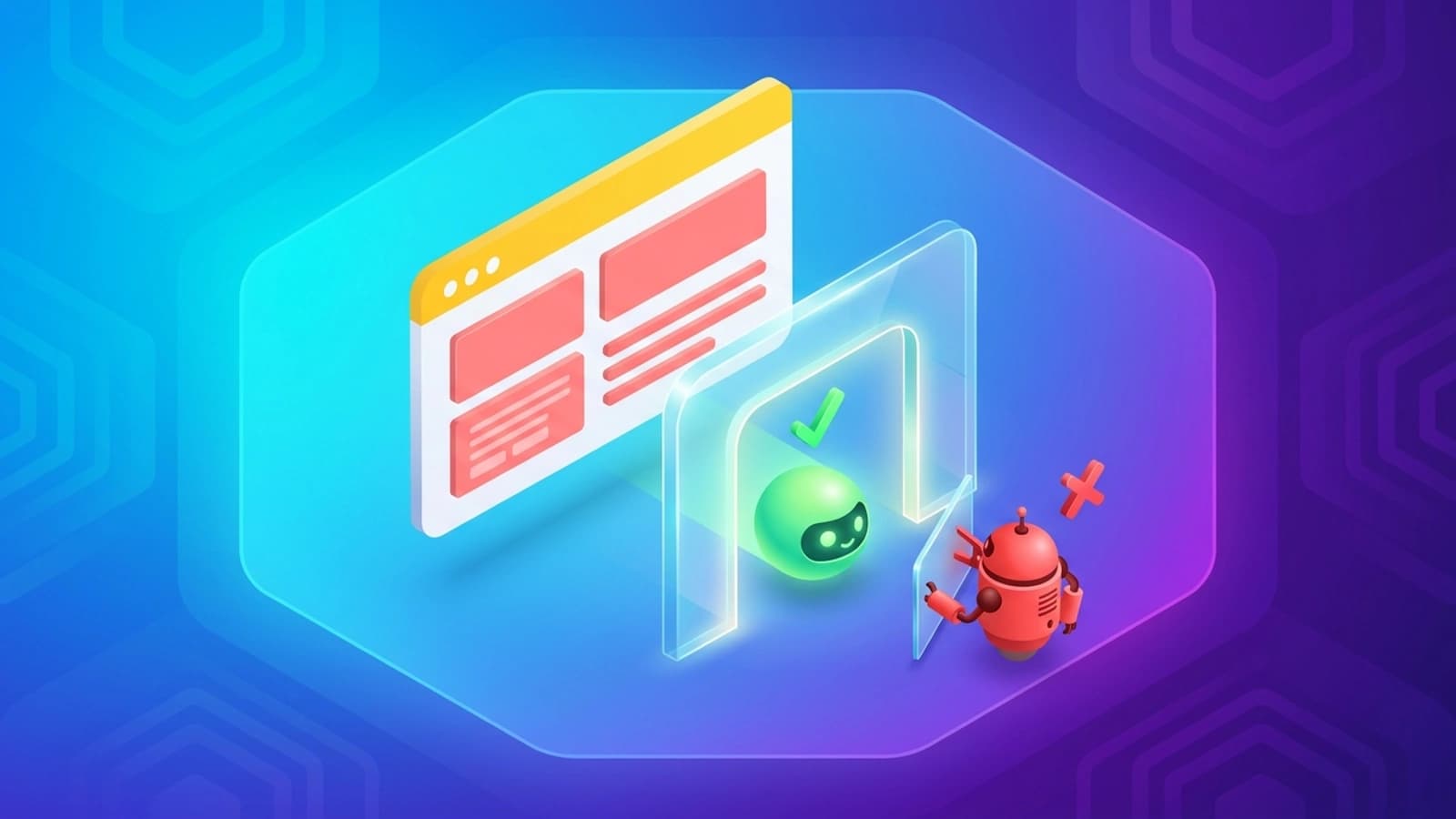
Quick answer: OAI-SearchBot is the crawler that decides whether your pages can show up in ChatGPT search. Allow it. GPTBot is a separate OpenAI crawler that collects training data. You can block GPTBot and still appear in ChatGPT search. The same split works for Claude, Perplexity and Google. In robots.txt, allow the AI search bot, then decide on the training bot.
What is OAI-SearchBot?
OAI-SearchBot is OpenAI's search crawler. It fetches web pages so ChatGPT can show and link to them in its search answers. OpenAI does not use it to train models. Block it and your pages stop appearing as sources in ChatGPT search.
A crawler is a program that visits web pages automatically. Your robots.txt file (a plain text file at the root of your site) tells each crawler what it may visit. Crawlers identify themselves with a user agent string, a name sent with every request. Your robots.txt rules match the short token, such as OAI-SearchBot, not the full string.
This is the full OAI-SearchBot user agent string as OpenAI publishes it today:
Mozilla/5.0 (Macintosh; Intel Mac OS X 10_15_7) AppleWebKit/537.36 (KHTML, like Gecko) Chrome/131.0.0.0 Safari/537.36; compatible; OAI-SearchBot/1.4; +https://openai.com/searchbot
AI crawler user agents with allow and block lines
These are the six AI bots most sites need a rule for. Copy the allow or block line straight into your robots.txt.
| Bot | User agent string | What it does | Allow line | Block line |
|---|---|---|---|---|
| GPTBot (OpenAI) | Mozilla/5.0 AppleWebKit/537.36 (KHTML, like Gecko); compatible; GPTBot/1.4; +https://openai.com/gptbot |
Collects pages that may be used to train OpenAI's models. | User-agent: GPTBotAllow: / |
User-agent: GPTBotDisallow: / |
| OAI-SearchBot (OpenAI) | Mozilla/5.0 (Macintosh; Intel Mac OS X 10_15_7) AppleWebKit/537.36 (KHTML, like Gecko) Chrome/131.0.0.0 Safari/537.36; compatible; OAI-SearchBot/1.4; +https://openai.com/searchbot |
Finds pages to show and link in ChatGPT search answers. Not used for training. | User-agent: OAI-SearchBotAllow: / |
User-agent: OAI-SearchBotDisallow: / |
| ChatGPT-User (OpenAI) | Mozilla/5.0 AppleWebKit/537.36 (KHTML, like Gecko); compatible; ChatGPT-User/1.0; +https://openai.com/bot |
Fetches a page when a ChatGPT user or a custom GPT asks for it. OpenAI says robots.txt rules may not apply. | User-agent: ChatGPT-UserAllow: / |
User-agent: ChatGPT-UserDisallow: / |
| ClaudeBot (Anthropic) | Anthropic publishes the token ClaudeBot only, not a full string. |
Collects pages that may be used to train Anthropic's models. | User-agent: ClaudeBotAllow: / |
User-agent: ClaudeBotDisallow: / |
| PerplexityBot (Perplexity) | Mozilla/5.0 AppleWebKit/537.36 (KHTML, like Gecko; compatible; PerplexityBot/1.0; +https://perplexity.ai/perplexitybot) |
Finds pages to show and link in Perplexity answers. Not used for training. | User-agent: PerplexityBotAllow: / |
User-agent: PerplexityBotDisallow: / |
| Google-Extended (Google) | None. It is a robots.txt token only. Google crawls with its normal Googlebot user agents. | Controls whether Google may use your pages to train Gemini and to ground answers in Gemini Apps and Vertex AI. It does not affect Google Search. | User-agent: Google-ExtendedAllow: / |
User-agent: Google-ExtendedDisallow: / |
I checked every string against the vendor's own documentation on 30 September 2026: OpenAI crawlers, Anthropic crawlers, Perplexity crawlers and Google's common crawlers. Version numbers inside these strings change. Match on the token, never the full string.
OAI-SearchBot vs GPTBot
OpenAI runs three crawlers, and each one has a different job.
| Crawler | robots.txt token | Job | Used for training? | Official IP list |
|---|---|---|---|---|
| OAI-SearchBot | OAI-SearchBot |
ChatGPT search results | No | searchbot.json |
| GPTBot | GPTBot |
Model training | Yes | gptbot.json |
| ChatGPT-User | ChatGPT-User |
Live fetches a user asks for | No | chatgpt-user.json |
The settings are independent. Blocking GPTBot does not remove you from ChatGPT search. Blocking OAI-SearchBot does, although OpenAI says a blocked site can still appear as a plain navigational link.
One detail most guides miss: if you allow both GPTBot and OAI-SearchBot, OpenAI says it may use one crawl for both jobs. So allowing both means one visit can feed search and training.
How to allow OAI-SearchBot and block GPTBot
Add these lines to your robots.txt:
# Let ChatGPT search find and cite your pages
User-agent: OAI-SearchBot
Allow: /

# Keep your pages out of OpenAI model training
User-agent: GPTBot
Disallow: /
OpenAI says a robots.txt change takes about 24 hours to reach its search systems.
How to keep paid pages out of ChatGPT search
If you run a paywall or a members area, block OAI-SearchBot from those folders only:
User-agent: OAI-SearchBot
Disallow: /premium/
Disallow: /members/
Allow: /

User-agent: GPTBot
Disallow: /
How to configure robots.txt for AI crawlers in 8 steps
- Decide what you want: AI search citations, no training use, or no AI access at all.
- Split search bots (
OAI-SearchBot,Claude-SearchBot,PerplexityBot) from training bots (GPTBot,ClaudeBot). - Never block
Googlebotorbingbot. They feed Google AI Overviews and Microsoft Copilot as well as classic search. - Add
Disallow: /blocks for the training tokens you want to refuse, such asGoogle-Extended,Applebot-Extended,meta-externalagentandCCBot. - Repeat your private folders (for example
/admin/) inside every namedUser-agentblock. A named block ignores the rules underUser-agent: *. - Check your syntax against RFC 9309, the robots.txt standard, and never put
noindexin robots.txt. - Enforce the rules at your firewall with the vendors' published IP lists, because any scraper can fake a user agent.
- Read your server logs to confirm each bot now behaves the way you asked.
The four types of AI crawler
"AI crawler" covers four different jobs. Treat them separately.
- Search crawlers index pages so an AI tool can cite and link them. Examples:
OAI-SearchBot,Claude-SearchBot,PerplexityBot. - Training crawlers collect pages that may be used to train future models. Examples:
GPTBot,ClaudeBot,CCBot,Bytespider. - User fetchers open one page when a person asks an AI tool to read it. Examples:
ChatGPT-User,Claude-User,Perplexity-User. - Control tokens never crawl. They tell an existing crawler what its data may be used for. Examples:
Google-Extended,Applebot-Extended.
Letting the search crawlers in is the first step of generative engine optimization, the work of getting your pages quoted in AI answers. Once they can reach you, the next job is making your pages worth quoting. My guide to getting cited by AI and my step-by-step GEO guide cover that part.
Anthropic: ClaudeBot, Claude-SearchBot and Claude-User
Anthropic documents three bots:
Claude-SearchBotcrawls pages to improve Claude's search results.ClaudeBotcollects pages that could be used to train Anthropic's models.Claude-Userfetches a page when a Claude user asks a question that needs it.
To allow Claude search and block training:
# Let Claude search find and cite your pages
User-agent: Claude-SearchBot
Allow: /

# Keep your pages out of Anthropic model training
User-agent: ClaudeBot
Disallow: /

# Live fetches a user asks for (block this if the content is paid)
User-agent: Claude-User
Allow: /
Anthropic also supports Crawl-delay, a line that asks a bot to wait between requests. Google ignores it.
User-agent: ClaudeBot
Crawl-delay: 1
Google: Googlebot and Google-Extended
The most common mistake I see is blocking Google-Extended to get out of AI Overviews. It does not work that way.
Googlebot runs AI Overviews
AI Overviews and AI Mode are part of Google Search. Googlebot crawls for all of it (Google's crawler documentation). Block Googlebot and you lose classic rankings and AI Overviews together:
# Do not do this: it removes you from Google Search and AI Overviews
User-agent: Googlebot
Disallow: /
Google-Extended controls Gemini training
Google-Extended is a control token with no crawler of its own. It decides whether Google may use your pages to:
- train Gemini models
- ground answers in the Gemini Apps (grounding means using your page as a live source for an answer)
- ground answers in Vertex AI, Google's cloud AI platform
Google states that Google-Extended has no effect on Google Search inclusion or ranking. To opt out of Gemini training and keep full search visibility:
User-agent: Google-Extended
Disallow: /
Microsoft: bingbot and Copilot
Microsoft Copilot answers from the Bing index, and bingbot crawls for both (Bing Webmaster Guidelines). Keep it allowed:
User-agent: bingbot
Allow: /
To stay in Bing but limit how Copilot uses a page, use meta tags on the page, not robots.txt:
NOCACHElimits Copilot to your title, URL and snippet.NOARCHIVEkeeps the page out of Copilot answers.NOSNIPPETordata-nosnippetstops text excerpts in search and Copilot.
Perplexity, Meta, Apple, ByteDance and Common Crawl
Perplexity
Perplexity runs PerplexityBot for search and Perplexity-User for live fetches (Perplexity's crawler docs). It says neither is used to train models. It also says Perplexity-User generally ignores robots.txt, because a person asked for the page.
User-agent: PerplexityBot
Allow: /

User-agent: Perplexity-User
Allow: /
In August 2025, Cloudflare reported crawling it attributed to Perplexity that did not follow robots.txt. Back your rules with firewall limits.
Meta
Meta lists these AI crawlers:
Meta-WebIndexercrawls to improve Meta AI search results and cite sources.meta-externalagentcrawls for uses that include training AI models.meta-externalfetcherfetches single links a user asks for.
# Let Meta AI search cite your pages
User-agent: Meta-WebIndexer
Allow: /

# Keep your pages out of Meta model training
User-agent: meta-externalagent
Disallow: /
Apple
Applebot powers search in Siri and Spotlight. Applebot-Extended is Apple's training control token (Apple's Applebot page):
# Stay in Apple search, opt out of Apple model training
User-agent: Applebot-Extended
Disallow: /
ByteDance and Common Crawl
Bytespider is ByteDance's crawler for its AI products. CCBot builds the Common Crawl dataset, which many AI companies train on. Neither sends you search traffic:
User-agent: Bytespider
Disallow: /

User-agent: CCBot
Disallow: /
Full AI crawler directory
| Company | robots.txt token | Type | Documentation |
|---|---|---|---|
| OpenAI | OAI-SearchBot |
Search crawler | OpenAI |
| OpenAI | GPTBot |
Training crawler | OpenAI |
| OpenAI | ChatGPT-User |
User fetcher | OpenAI |
| Anthropic | Claude-SearchBot |
Search crawler | Anthropic |
| Anthropic | ClaudeBot |
Training crawler | Anthropic |
| Anthropic | Claude-User |
User fetcher | Anthropic |
Googlebot |
Search crawler (includes AI Overviews) | ||
Google-Extended |
Control token | ||
| Microsoft | bingbot |
Search crawler (includes Copilot) | Bing |
| Perplexity | PerplexityBot |
Search crawler | Perplexity |
| Perplexity | Perplexity-User |
User fetcher | Perplexity |
| Meta | Meta-WebIndexer |
Search crawler | Meta |
| Meta | meta-externalagent |
Training crawler | Meta |
| Apple | Applebot |
Search crawler | Apple |
| Apple | Applebot-Extended |
Control token | Apple |
| Common Crawl | CCBot |
Training dataset crawler | Common Crawl |
| ByteDance | Bytespider |
Training crawler | None published |
Four copy-paste robots.txt recipes
Recipe 1: AI search on, training off (my default)
You stay visible in Google AI Overviews, ChatGPT search, Claude, Perplexity, Copilot and Meta AI. The training crawlers are refused.
# Baseline rules for every crawler
User-agent: *
Disallow: /admin/
Disallow: /api/
Disallow: /checkout/

# AI search crawlers: allowed, private folders repeated
User-agent: OAI-SearchBot
Disallow: /admin/
Disallow: /api/
Disallow: /checkout/
Allow: /

User-agent: Claude-SearchBot
Disallow: /admin/
Disallow: /api/
Disallow: /checkout/
Allow: /

User-agent: PerplexityBot
Disallow: /admin/
Disallow: /api/
Disallow: /checkout/
Allow: /

User-agent: Meta-WebIndexer
Disallow: /admin/
Disallow: /api/
Disallow: /checkout/
Allow: /

# Training crawlers and tokens: refused
User-agent: GPTBot
Disallow: /

User-agent: ClaudeBot
Disallow: /

User-agent: Google-Extended
Disallow: /

User-agent: Applebot-Extended
Disallow: /

User-agent: meta-externalagent
Disallow: /

User-agent: CCBot
Disallow: /

User-agent: Bytespider
Disallow: /

Sitemap: https://example.com/sitemap.xml
Recipe 2: Fully open
Use this if you want to appear everywhere, including in training data.
User-agent: *
Disallow: /admin/
Disallow: /api/
Allow: /

Sitemap: https://example.com/sitemap.xml
Recipe 3: No AI access, classic search only
Use this if your content is your product and you want no AI tool to index or summarise it. Google and Bing rankings stay intact.
User-agent: *
Disallow: /admin/

# AI search crawlers and user fetchers
User-agent: OAI-SearchBot
Disallow: /

User-agent: ChatGPT-User
Disallow: /

User-agent: Claude-SearchBot
Disallow: /

User-agent: Claude-User
Disallow: /

User-agent: PerplexityBot
Disallow: /

User-agent: Perplexity-User
Disallow: /

User-agent: Meta-WebIndexer
Disallow: /

# Training crawlers and tokens
User-agent: GPTBot
Disallow: /

User-agent: ClaudeBot
Disallow: /

User-agent: Google-Extended
Disallow: /

User-agent: Applebot-Extended
Disallow: /

User-agent: meta-externalagent
Disallow: /

User-agent: CCBot
Disallow: /

User-agent: Bytespider
Disallow: /

Sitemap: https://example.com/sitemap.xml
Remember that some user fetchers may not follow robots.txt. Enforce this recipe at your firewall too.
Recipe 4: Protect one folder
AI search can index your blog and product pages, but your research folder stays closed to every AI bot.
User-agent: *
Disallow: /admin/

User-agent: GPTBot
Disallow: /research/

User-agent: ClaudeBot
Disallow: /research/

User-agent: Google-Extended
Disallow: /research/

User-agent: OAI-SearchBot
Disallow: /admin/
Disallow: /research/
Allow: /

Sitemap: https://example.com/sitemap.xml
How robots.txt matching works (RFC 9309)
RFC 9309 is the official robots.txt standard, published in 2022. Four of its rules cause most mistakes.
1. A named block ignores the * block
A bot follows the most specific User-agent block that matches it. It then ignores everything under User-agent: *.
# Broken
User-agent: *
Disallow: /admin/

User-agent: OAI-SearchBot
Allow: /
Here OAI-SearchBot can crawl /admin/, because its own block never mentions it. Repeat your private folders in every named block.
2. The longest matching path wins
When an Allow and a Disallow both match a URL, the rule with the longer path wins.
User-agent: *
Disallow: /guides/
Allow: /guides/ai-crawler-robots-txt-guide
The Allow path is longer, so that one guide stays open while the rest of /guides/ is blocked.
3. Paths are case-sensitive, and each host needs its own file
Disallow: /Private/ does not block /private/. A file at https://example.com/robots.txt does not cover https://blog.example.com/ or http://example.com/.
4. noindex does not belong in robots.txt
Google does not support noindex in robots.txt. Worse, blocking a URL stops crawlers from reading the page's own noindex tag, so the URL can still appear in results. To remove a page, allow crawling and use a noindex meta tag or X-Robots-Tag header.
How to test your AI crawler rules
Step 1: Check the file responds
Your robots.txt should return 200 OK with Content-Type: text/plain and no redirect:
curl -I https://example.com/robots.txt
Step 2: Request a page as each bot
This shows whether your CDN (the network that serves your site from servers near the visitor) or firewall treats a bot differently:
curl -I -A "OAI-SearchBot/1.4; +https://openai.com/searchbot" https://example.com/
curl -I -A "GPTBot/1.4; +https://openai.com/gptbot" https://example.com/
Step 3: Verify real bots by IP
Anyone can fake a user agent. Match requests against the published IP lists before you trust them:
- OpenAI: searchbot.json, gptbot.json, chatgpt-user.json
- Google and Bing: a reverse DNS lookup (turning the visiting IP back into a hostname) should end in
googlebot.com,google.comorsearch.msn.com - Cloudflare users: the built-in AI crawler controls can block or allow named bots at the edge
Step 4: Watch your logs
After about a day, search your access logs for OAI-SearchBot. If it still hits blocked folders, check for a typo in the token or a missing path in its named block.
Frequently asked questions
What is OAI-SearchBot?
OAI-SearchBot is OpenAI's search crawler. It fetches web pages so ChatGPT can show and link to them in its search answers. OpenAI does not use it to train models. Block it and your pages stop appearing as sources in ChatGPT search.
What is the OAI-SearchBot user agent string?
The robots.txt token is OAI-SearchBot. The full string OpenAI publishes is: Mozilla/5.0 (Macintosh; Intel Mac OS X 10_15_7) AppleWebKit/537.36 (KHTML, like Gecko) Chrome/131.0.0.0 Safari/537.36; compatible; OAI-SearchBot/1.4; +https://openai.com/searchbot. Match on the token, because the version number changes.
What is the difference between GPTBot and OAI-SearchBot?
GPTBot collects pages that may be used to train OpenAI's models. OAI-SearchBot finds pages to show and link in ChatGPT search, and is not used for training. You can block GPTBot and allow OAI-SearchBot.
If I block GPTBot, will my site still appear in ChatGPT search?
Yes, as long as OAI-SearchBot is allowed. The two settings are independent. Note that if you allow both, OpenAI says it may use one crawl for both search and training.
How long does a robots.txt change take to reach ChatGPT search?
OpenAI says it can take about 24 hours for its systems to adjust after you update robots.txt.
Does blocking Google-Extended hurt my Google rankings?
No. Google states that Google-Extended does not affect inclusion or ranking in Google Search. It only controls Gemini training and grounding in the Gemini Apps and Vertex AI. AI Overviews are part of Google Search and run on Googlebot.
How do I block ClaudeBot but stay in Claude search?
Add a User-agent: ClaudeBot block with Disallow: / and a User-agent: Claude-SearchBot block with Allow: /. ClaudeBot collects training data. Claude-SearchBot crawls for Claude's search results.
Does robots.txt stop every AI bot?
No. OpenAI says robots.txt rules may not apply to ChatGPT-User, and Perplexity says Perplexity-User generally ignores them, because a person asked for the page. Scrapers can also fake a user agent. Back your rules with firewall checks against the published IP lists.
Official sources
- RFC 9309, the robots.txt standard: rfc-editor.org/rfc/rfc9309
- OpenAI crawlers: developers.openai.com/api/docs/bots
- Anthropic crawlers: support.claude.com
- Perplexity crawlers: docs.perplexity.ai/guides/bots
- Google common crawlers, including Google-Extended: developers.google.com
- Google AI features and your website: developers.google.com
- Bing Webmaster Guidelines: bing.com/webmasters
- Meta web crawlers: developers.facebook.com
- Applebot: support.apple.com
- Common Crawl FAQ: commoncrawl.org/faq
Check your own site
Rules like these fail quietly. One typo in a token and OAI-SearchBot never sees your pages. Run the free SEO and GEO audit on your homepage. It runs 205 checks, including your robots.txt and AI crawler access, and gives you a report you can share with your team.
// RECOMMENDED READING & COMPANION GUIDES
How to Get Cited by AI: 2026 Citation Playbook
A step-by-step system to earn citations in Google AI Overviews, ChatGPT, and Perplexity using quotable units.
How to Do an SEO Audit: 12-Step Checklist
Diagnose crawl anomalies, reconcile 5 URL universes, fix Search Console blockers, and unlock organic clicks.
Identify the Exact Constraint in Your Traffic & Funnel
I perform deep diagnostic audits across technical SEO, structured product feeds, AI shopping search, and funnel leak points to uncover where revenue is being lost.